Powered by AI
One topic.
Multiple infographics.
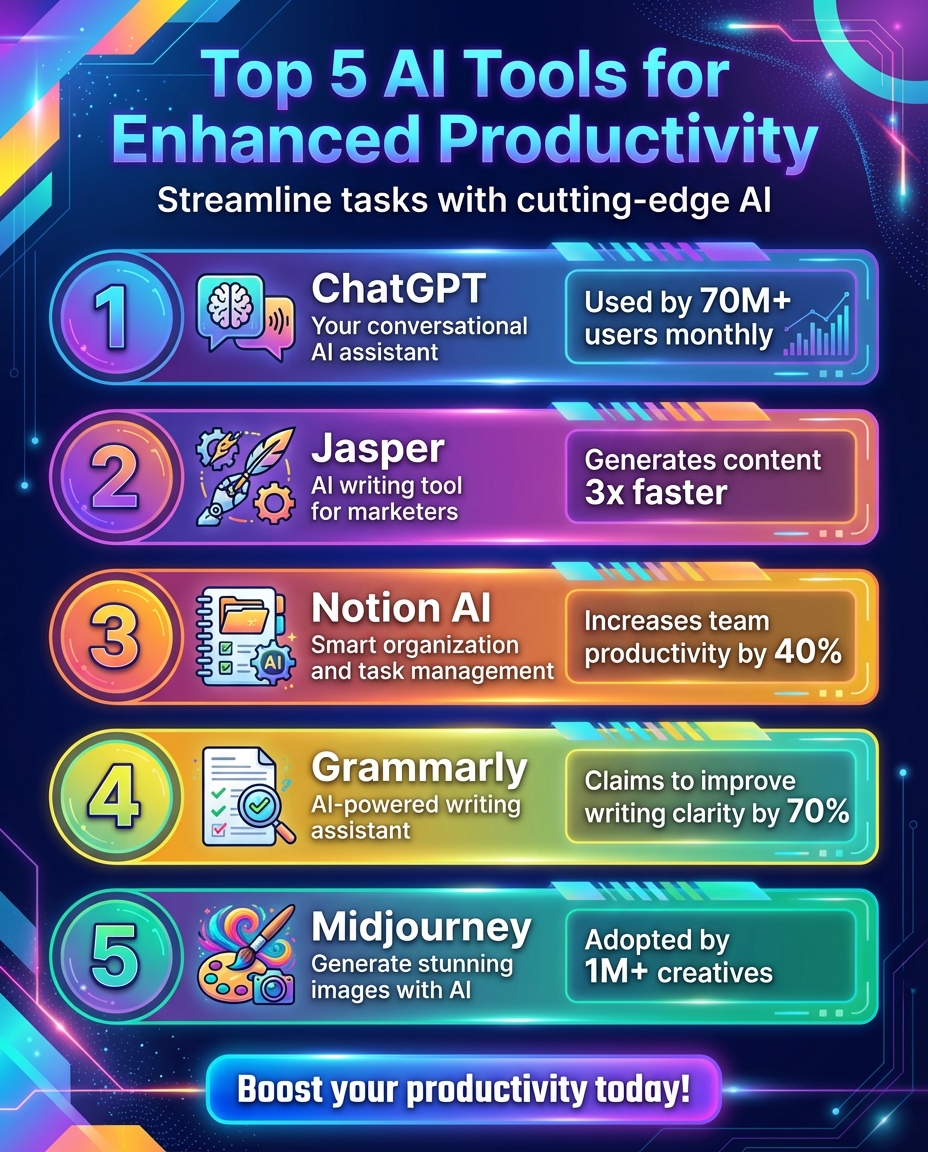
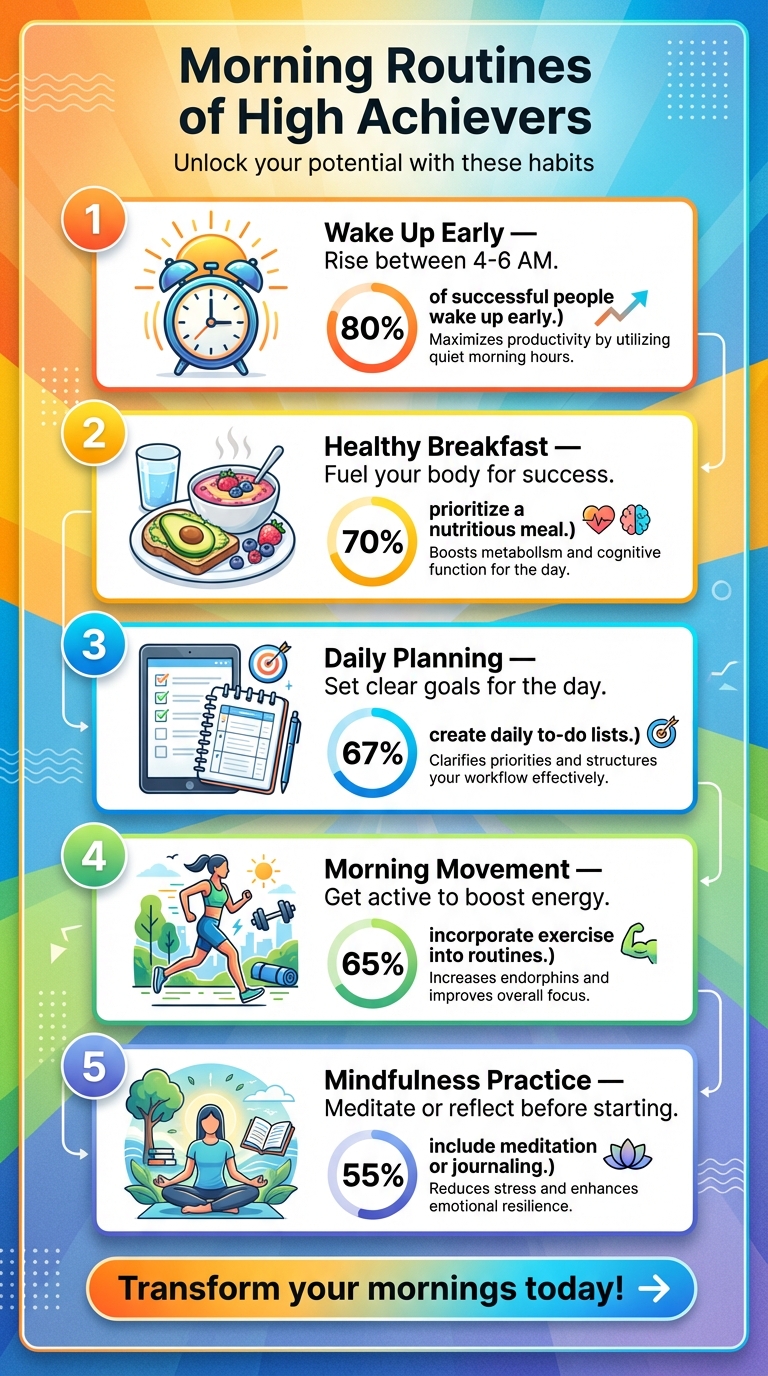
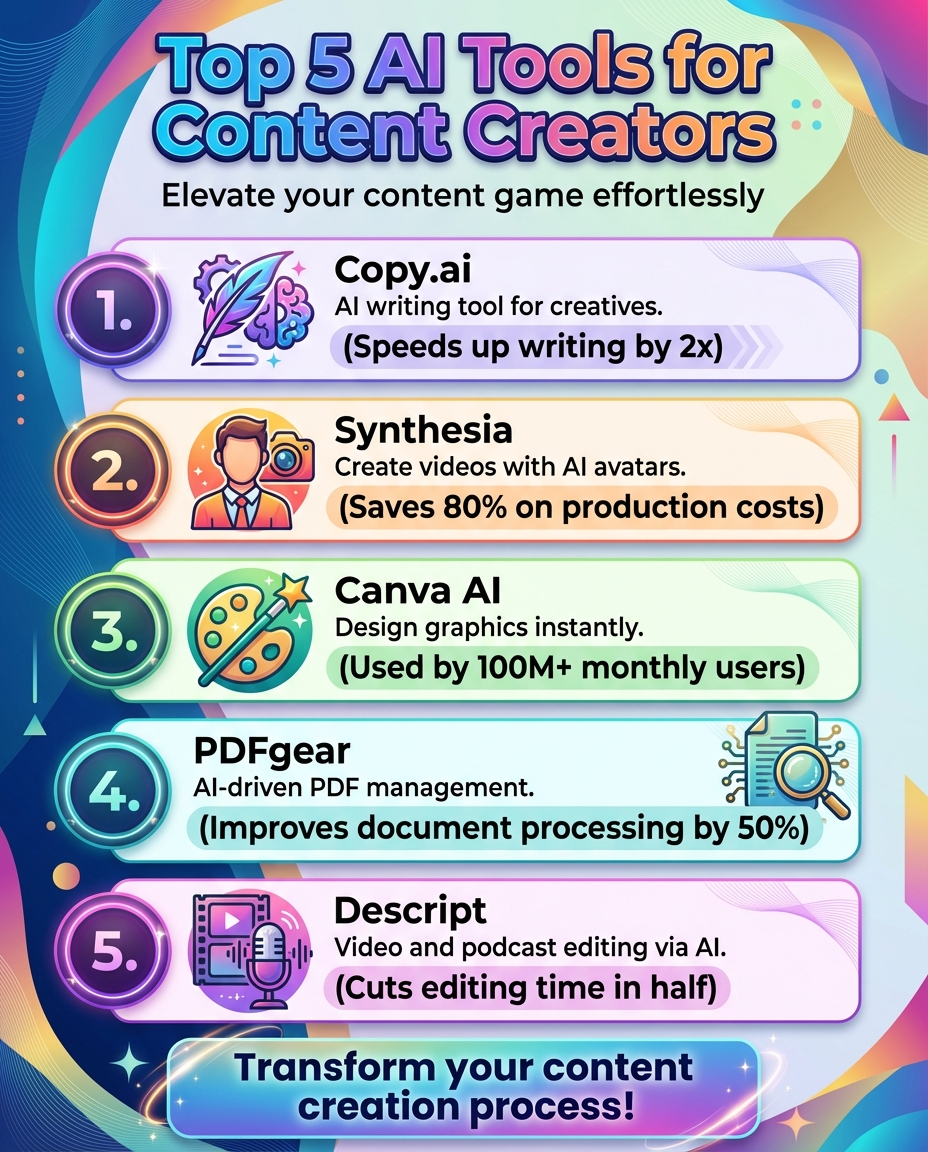
Enter a topic or upload a reference image. AI generates stunning, unique infographic variations ready for social media.




Step 1
Enter a topic
Step 2
AI creates designs
Step 3
Download all
Create infographics
Describe what your infographic should be about
Upload an infographic to generate variations of it
Drag & drop, paste, or click to upload (max 2MB)
Simple, transparent pricing
Start free. Upgrade when you need more.
Free
Perfect to try it out
$0
- 1 AI image per month
- 1 per batch
- All 4 image sizes
- Reference image upload
- ZIP download
- 7-day image history
Credit Pack
One-time purchase
$2.99
One-time · No subscription
- 10 AI images
- Never expires
- All 4 image sizes
- Used when monthly quota runs out
- Buy as many packs as you need
LAUNCH PRICE — LIMITED TIME
Pro
For creators & agencies
$24.99$19.99/mo
20% OFFLaunch price ends soon
- 100 AI images per month
- Up to 10 per batch
- All 4 image sizes
- Reference image upload
- ZIP download
- 30-day image history
- Priority generation
Frequently asked questions
Everything you need to know
What is AI Infographic Multiplier?
It’s a tool that uses AI to generate multiple professional infographic variations from a single topic or reference image. Enter a topic like "Top 5 AI Tools" and get several unique, ready-to-post infographic designs in seconds.
How does it work?
You have two options: (1) Enter a topic and our AI generates content variations, then creates a unique infographic design for each. (2) Upload a reference infographic and AI creates visual variations of it. You can also combine both — provide a topic and a reference image for styled content variations.
What’s the difference between Free and Pro?
Free gives you 1 AI-generated image per month to try the tool. Pro ($19.99/month) gives you 100 images per month with up to 10 per batch. Both plans include all image sizes and reference image upload.
What image sizes are supported?
Four sizes are available: Portrait 4:5 (1080×1350, ideal for Instagram), Square 1:1 (1080×1080), Story 9:16 (1080×1920, for Instagram/TikTok stories), and Landscape 16:9 (1920×1080, for YouTube/presentations).
Can I use the infographics commercially?
Yes. All infographics you generate are yours to use however you like — social media, blog posts, presentations, client work, print materials, etc. There are no usage restrictions.
How does the reference image feature work?
Upload any infographic you like (up to 2MB). If you also enter a topic, AI will generate new content styled like your reference image. If you only upload an image without a topic, AI will create visual variations of that infographic with different layouts, colors, and typography.
Can I cancel my Pro subscription anytime?
Yes, cancel anytime with one click from your account. You’ll keep Pro access until the end of your current billing period. No cancellation fees, no questions asked.
What is your refund policy?
Since AI image generation has a real cost per image, we don’t offer refunds for the current billing period once images have been generated. You can cancel anytime to prevent future charges — you’ll keep Pro access until the end of your paid period. If you experience persistent technical issues that prevent you from using the service, email us at support@bulkinfographics.com and we’ll make it right.
Do unused images roll over to the next month?
No, unused images don’t roll over. Your quota resets at the start of each billing month. This keeps the pricing simple and affordable for everyone.
What happens when I reach my monthly limit?
You’ll see a notification showing you’ve reached your limit. Free users can upgrade to Pro for 100 images/month. Pro users’ quota resets at the start of their next billing period.
What payment methods do you accept?
We accept all major credit and debit cards (Visa, Mastercard, American Express) through Stripe, our secure payment processor. All transactions are encrypted and PCI-compliant.